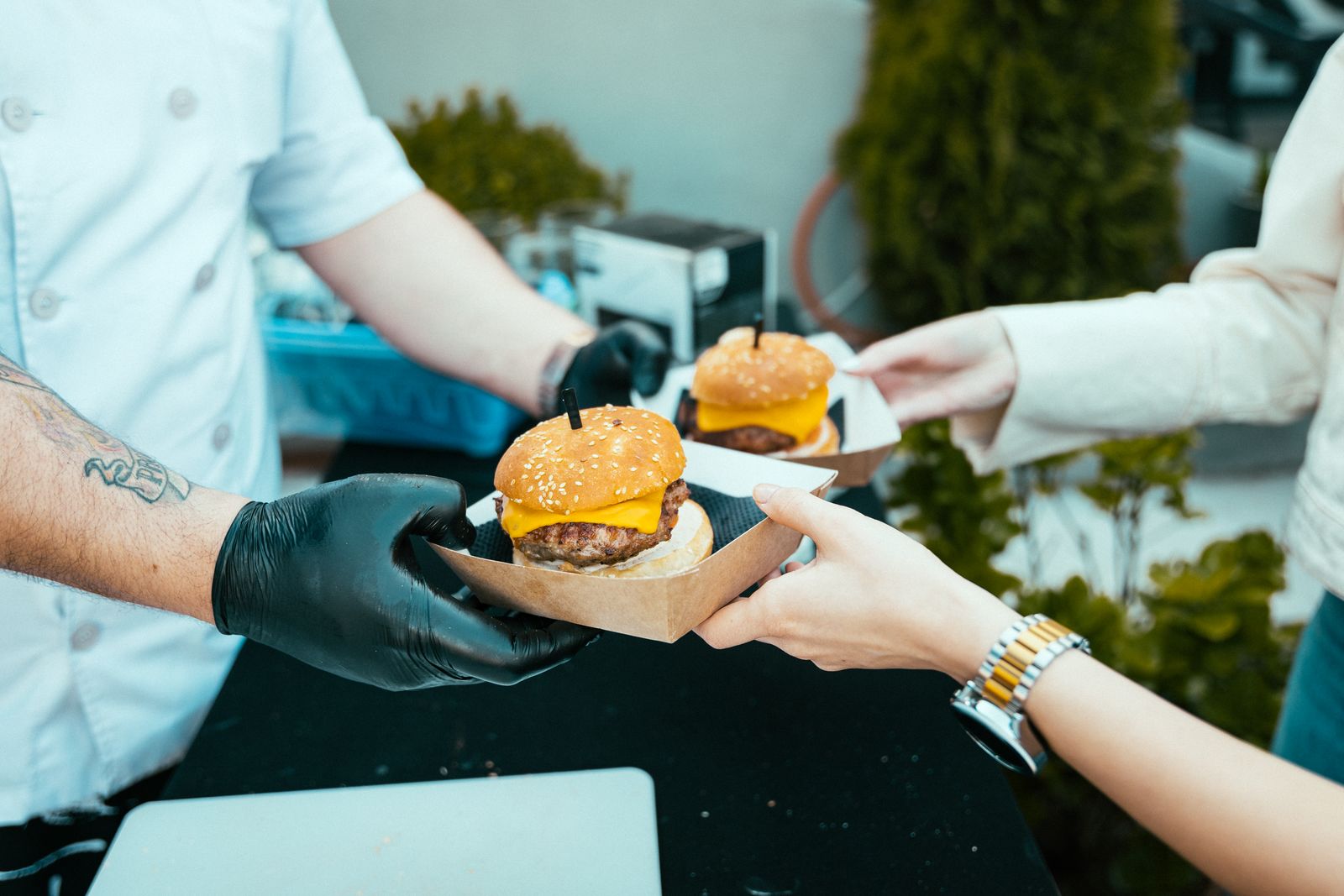
Before a van does a single day's trade, someone has to decide how an order gets from a customer's mouth to the kitchen. It sounds like the smallest decision on the list — after the vehicle, the fryer, the licence — but it is the one that decides how many people you can actually serve on your busiest day, and it is worth working out properly before the first festival rather than mid-queue at it.
What you need before you start
Whatever method you land on, the same short checklist applies. Skipping any of these is how a good system fails on its first real Saturday.
- A signal fallback. Fields and festival sites are the worst mobile signal you will ever trade on. Whatever takes an order needs a plan for the ten minutes a year it can't reach the internet — a paper pad kept under the counter is not old-fashioned, it's insurance.
- A way to see what's coming, not just what's next. One ticket at a time is fine at walking pace; at a queue of thirty you need to see the whole run of orders so prep can get ahead of it, not just react to the top one.
- Something that survives a wet, cold, gloved hand. Tested indoors on a counter is not the same as tested outdoors in October. Whatever screen or printer you're relying on, use it on a real service before you rely on it at one.
- A record you can look back on. Even a fortnight of what sold, and when, tells you more about your menu than a season of guessing. This is the one thing paper genuinely can't do.
The options, honestly
Paper tickets. Nothing to charge, nothing to update, nothing to break. It's also the slowest option under real pressure, the easiest to lose or misread mid-rush, and it leaves you with no order history at all — every insight about what actually sold lives in someone's memory, if it lives anywhere. Fine for a first few outings while you're still finding your feet; a real limit once queues get long.
A generic till or POS. Built first for shops or sit-down restaurants and adapted afterwards for a hatch. It will take a card and print a receipt, and it will do that whether you traded today or not, because most of these charge a flat monthly fee regardless of how many days you actually work — a genuine cost for a business that might do three markets one month and twelve the next.
A delivery-app style ordering system. Good at the thing it was built for — a customer browsing a menu on their phone — but built around delivery or table service, not a queue at a hatch. Order-to-kitchen speed and a live view of what's coming next are usually an afterthought rather than the whole point.
QR-to-phone ordering built for a queue. This is what we build, so take the comparison for what it's worth: a customer scans, orders and pays from their own phone, and it lands on a kitchen screen before they've reached the hatch. No card machine to rent, no app for the customer to install, and — because it was built around a moving queue rather than a fixed table — the kitchen sees the whole run of orders, not just the next one.
Mistakes that catch out a first season
- No fallback tested in advance. The first time you need the paper pad shouldn't be the first time you've used it that day.
- One person doing two jobs. Whoever's taking payment and whoever's cooking need to be different people the moment a queue forms, whatever system you're on.
- Choosing on price alone. A monthly fee you pay in a month you don't trade is a real cost most new traders don't account for until the invoice arrives in January.
- Never looking at the numbers. Whatever you use, if it can tell you what sold and when, look at it. It's the cheapest research a van ever does.
Where this leaves you
There's no single right answer here — a Saturday farmers' market and a three-day festival want different things, and plenty of traders run paper for the quiet days and something more capable for the big ones. What matters is choosing on purpose rather than by accident, and testing it outdoors, in the cold, before the day it actually has to work.
If you want to see how the QR-to-phone approach works in practice, how it works walks through the whole order, from scan to kitchen screen; QR code ordering goes into the customer-facing side in more detail.